
Home » Download
BDVEGAS App Download Guide for Android APK and iOS Home Screen
Download the BDVEGAS mobile app for faster access, lighter data use, and control
Start your BDVEGAS app download from the BDVEGAS Main Site to get the latest build and avoid copycats. The installer is small, loads fast on mobile data, and keeps your betting and gaming just a tap away.
The BDVEGAS mobile app is designed for how you use your phone every day. Expect quicker login, live cricket markets with rapid updates, and fast entry to JILI titles without waiting on heavy pages to load.
Why the BDVEGAS app matters for quick betting, clean navigation, and account control
Installing the app gives you speed, stability, and tools that feel native on your phone. It reduces taps, saves data, and keeps your account secure while you place bets or play on the move.
Built for quick login on real mobile networks
Open the app and reach your slip faster with saved login, biometric unlock, or a secure PIN. It’s made for everyday 4G connections and keeps pages light.
Live cricket odds, scores, and in-play updates with fewer taps
Cricket sits at the top of the sports view. Track live lines, score changes, and key markets with quick filters and clear bet confirmations.
Cashier flows tuned to local habits and clear verification
Deposit and withdraw using familiar wallet methods. The app guides simple checks like matching your account name to your payment name to help payouts move faster.
Smarter notifications that respect your time and attention
Set alerts for bet settlement, cricket kick-offs, price boosts, and maintenance updates. You choose what to receive, and you can change it anytime.
Step-by-step instructions to download, install, and set up the BDVEGAS app
- Open the official BDVEGAS website on your phone’s browser.
- Choose your platform: Android (APK) or iOS (Add to Home Screen).
- Android: download the latest BDVEGAS apk and wait for the file to finish.
- Android: tap the file, allow “Install unknown apps” for your browser, and confirm Install.
- iOS: open the site in Safari, tap the Share icon, then Add to Home Screen to create the app icon.
- Launch the icon and complete your BDVEGAS login, or create an account if you are new.
- Set a quick PIN or enable biometric unlock for faster, safer access.
- Allow notifications if you want match updates, bet results, and offer alerts.
- Verify your profile details in the app to help withdrawals process smoothly.
- When prompted, update to the newest version to get fixes and improvements.
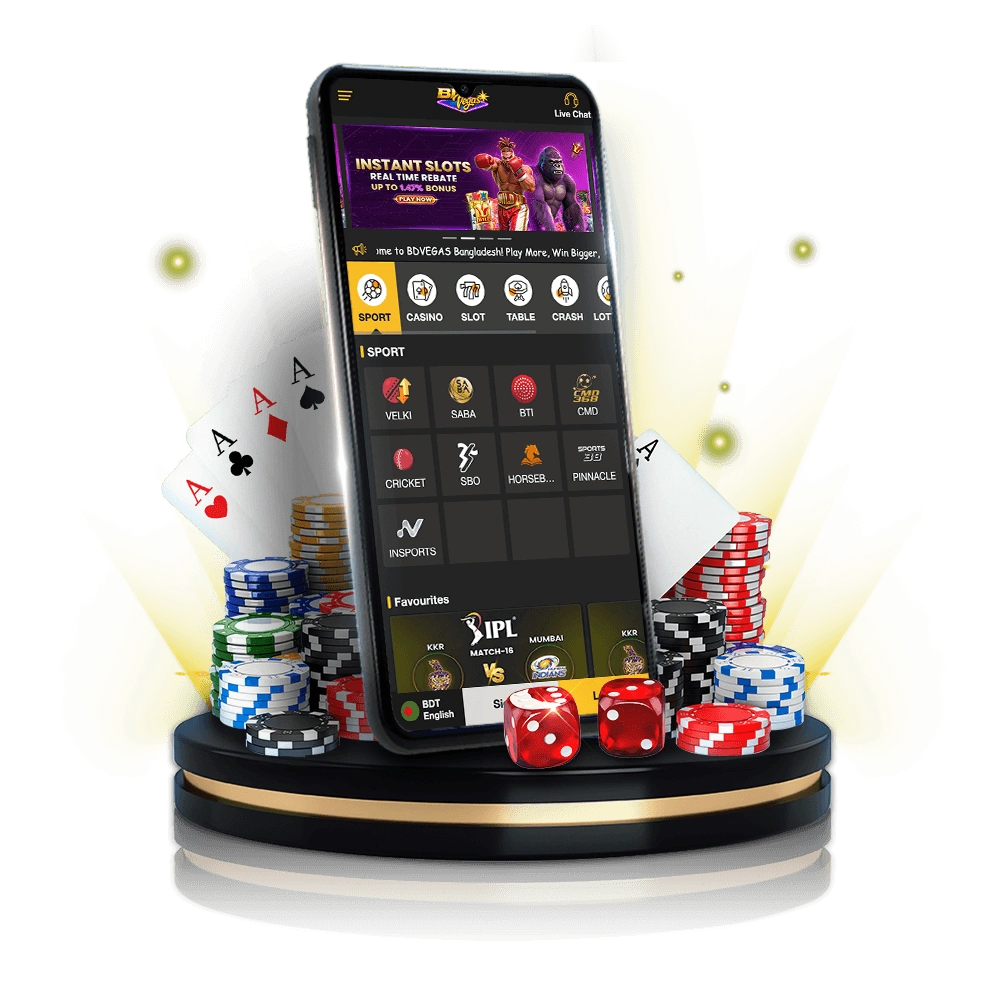
Mobile features built for speed, easy login, smarter alerts, and focused gameplay
One-tap BDVEGAS login with biometrics or a secure PIN
Save your device, then use Face ID, Touch ID, or a short PIN to jump back into bets without retyping passwords every time.
Clean bottom navigation and quick cricket filters
Switch between Sports, Live, Casino, and Profile with a thumb-friendly bar. Cricket filters surface top leagues and in-play markets instantly.
Lightweight updates and careful data usage
The app caches key assets and only pulls what you need, helping reduce data while keeping pages responsive.
Smart alerts for bets, results, and time-sensitive offers
Get notified when a bet settles, odds change on your watchlist, or an offer is about to expire. Toggle each category in Settings.
Fast entry to JILI games and saved favorites
Open JILI slots and arcades from the Casino tab with fewer steps. Your recent games and favorites are pinned for quick re-entry.
App-specific bonuses, reload reminders, and smart alerts that keep you informed
Install the app to hear first about time-limited reloads, odds boosts, and featured cricket specials. You’ll also receive reminders on welcome perks and any rollover timelines so you can plan play across your week.
For current deals and fair-use details, check BDVEGAS Promotions from your phone and enable notifications to avoid missing a short window. Expect practical terms, clear expiry times, and support that answers fast if you have a question about your BDVEGAS bonus.
Frequently asked questions about downloading the BDVEGAS app, installation, updates, and notifications
Is there a Google Play or Apple App Store version?
Android users should install the APK directly from the official site. iOS users can use the mobile web and Add to Home Screen for app-like access.
How do I safely allow installs from unknown sources on Android?
When prompted, allow installs only for your current browser, complete the setup, then switch the permission off again in Settings.
Will the app work well on a low-end phone or slow data?
Yes. The app is built to be light, with optimized pages and smaller updates, so it runs smoothly on modest hardware and mobile data.
How are updates delivered and do I lose my data?
You’ll see an in-app prompt when an update is available. Install it over your current version; your login and preferences are kept on your device.
Why should I verify my account inside the app?
Verification protects your account and helps payouts move without delays. Matching your profile name to your payment name also prevents review holds.
Ready to play on your phone with faster access and lighter data use?
Install the BDVEGAS mobile app today to get quicker login, sharper cricket updates, and rapid access to JILI games. You’ll stay closer to your bets and get fair, timely alerts when something needs your attention.
New to BDVEGAS? Complete BDVEGAS Register first, then install the app and sign in. Keep notifications on for key matches and offers, and manage everything from one clean, mobile-first dashboard.